 throlson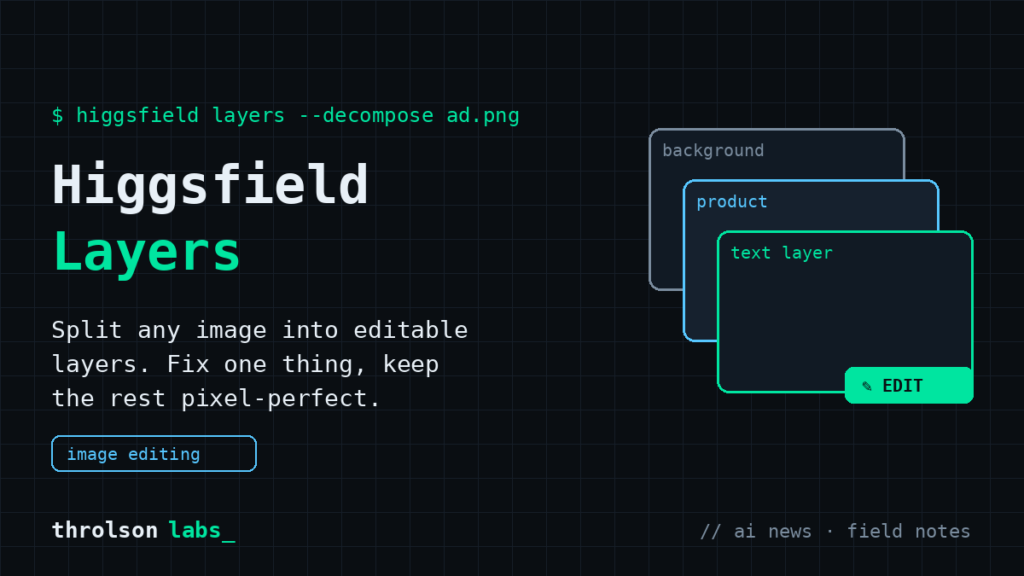
The biggest frustration with AI images was never quality. It’s control. You get a shot that’s 90% perfect, ask for one small change, and the regeneration scrambles the other 90%. Higgsfield’s new Layers tool is the first thing I’ve used that actually fixes this, and I’ve been running it on real client ad work, not test prompts.
What Layers actually does
You upload or generate an image, and Layers decomposes it into separately editable layers: the subject, the background, the text, individual objects. Then you edit each one on its own. Change the headline on a product graphic without touching the product. Swap the background without warping your subject. Regenerate one object while everything else stays frozen. It renders text cleanly and outputs at native 4K.
If you’ve spent years in Photoshop, the mental model is instant. It’s layers, except the AI builds them from a flat image. That’s the part that didn’t exist before.
Why this matters if you run a business
Here’s the practical version. Say you make a promo graphic for a seasonal offer. Next month the offer changes. Before Layers, you regenerated the whole image and hoped it stayed on brand. Usually it didn’t, so you rebuilt it in Canva or Photoshop anyway. Now you open the same image, edit the text layer, done. Same product shot, same composition, new message.
- Ad variations in minutes. One hero image becomes five versions with different headlines and CTAs, which is how you actually test ads.
- Fixing instead of rerolling. A wrong price, a typo’d word, a cluttered background: targeted fixes instead of prompt roulette.
- Brand consistency. Your product stays pixel-identical across every variation because you never regenerate it.
Field notes from real use
I produce AI ad creative in Higgsfield weekly, and Layers has already changed my revision workflow. The wins: text edits are dramatically more reliable than prompt-based fixes, and object isolation is clean on product shots with decent contrast. The rough edges: very busy compositions sometimes split into layers you wouldn’t have chosen, and fine overlapping details (hair over a logo, glass in front of text) still need a careful eye. My rule stands as always: AI drafts, a human approves before anything ships with a client’s name on it.
The shift to notice: AI image tools are moving from “generate and pray” to “generate, then edit like a professional.” Layers is the clearest example yet.
How to try it
Layers lives in Higgsfield under Edit. Start with a real graphic you already use, not a test prompt, and try changing just the text. That one edit will show you whether this belongs in your workflow. Higgsfield is in our tools directory, and if you want ad creative like this produced for your business, that’s work we do.
— Nick